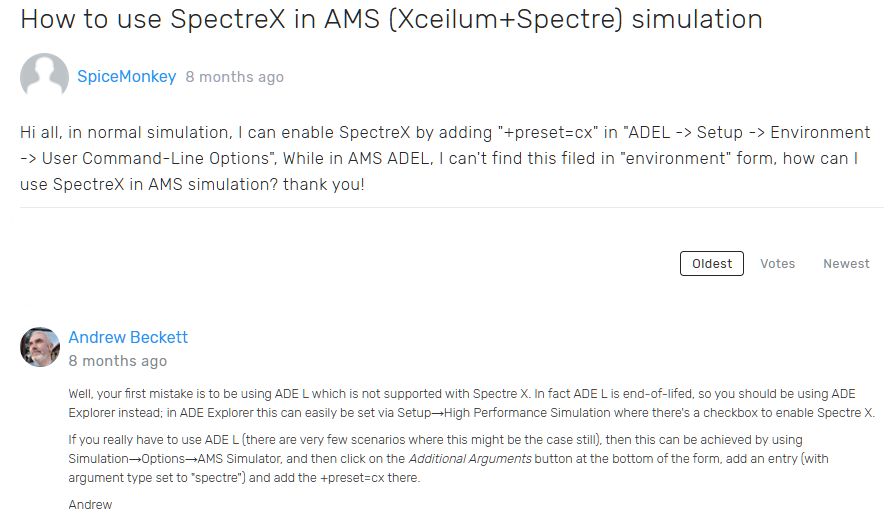
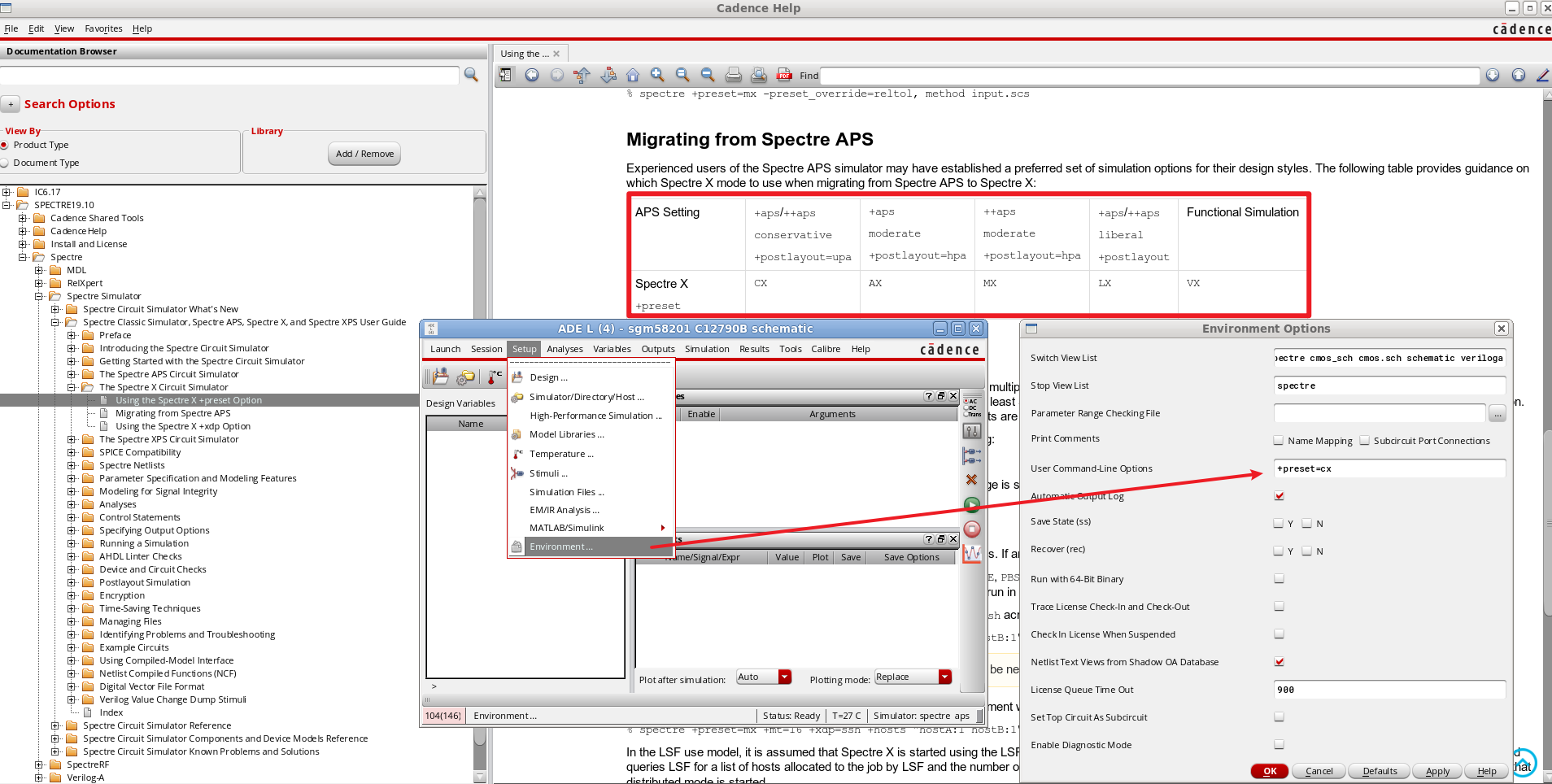
只要使用 SPECTRE19.1 以上的版本,就可以使用 Specre X 这个加速引擎,然乎会因为 Virtuoso 还在 Cadence 617 导致 UI 界面无法直接配置,这里给出通过 Environment 中 User Command Option 的方式使能 Spectre X
¶ 1. Spectre Simulator
¶ 2. Xcelium Simulator
Well, your first mistake is to be using ADE L which is not supported with Spectre X. In fact ADE L is end-of-lifed, so you should be using ADE Explorer instead; in ADE Explorer this can easily be set via Setup→High Performance Simulation where there's a checkbox to enable Spectre X.
If you really have to use ADE L (there are very few scenarios where this might be the case still), then this can be achieved by using Simulation→Options→AMS Simulator, and then click on the Additional Arguments button at the bottom of the form, add an entry (with argument type set to "spectre") and add the +preset=cx there.